
01 / BRING IT IN
Bring your video
Open your video in the Windows app. Your story is the starting point.
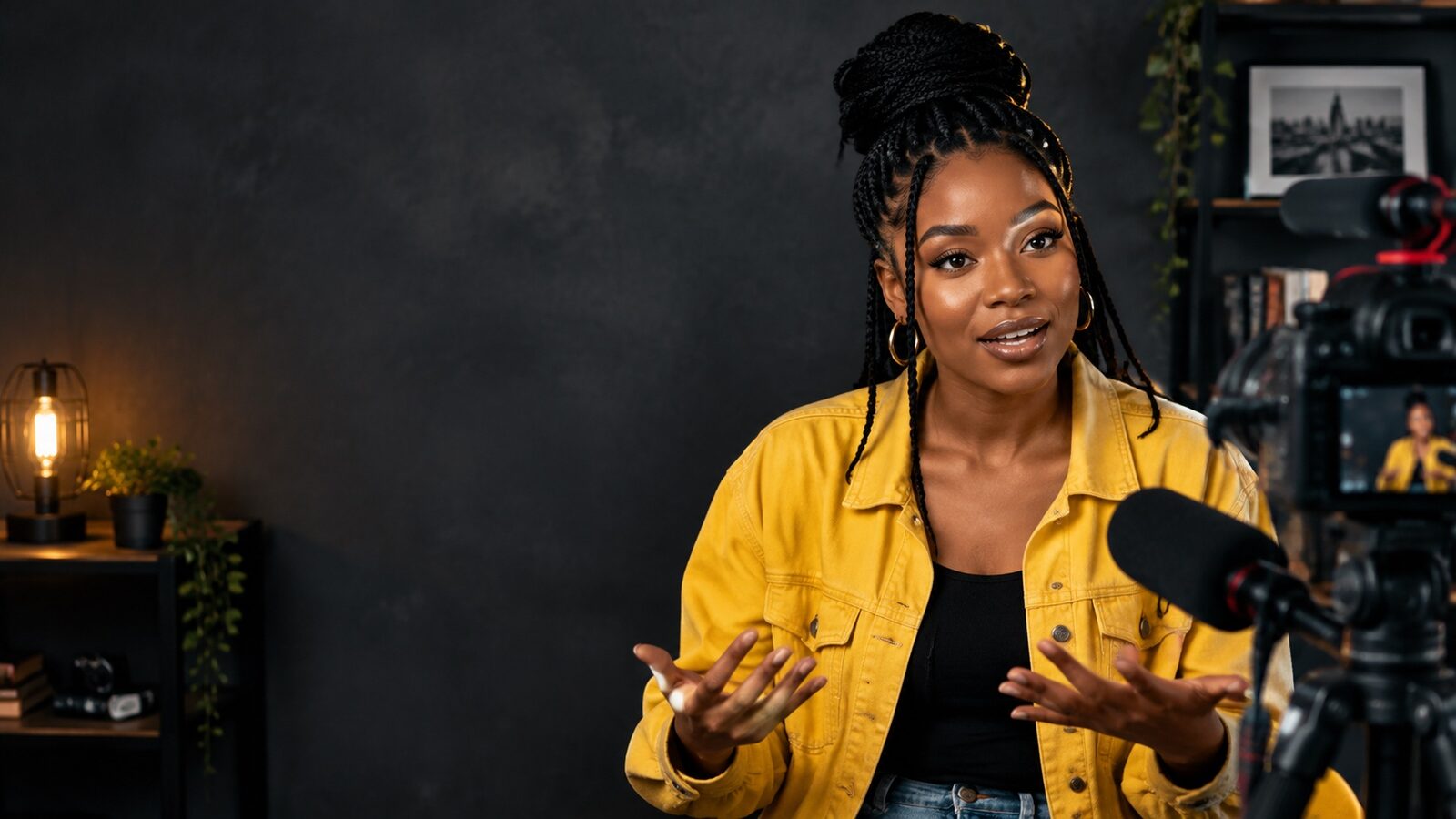
Auto Captions · B-Media Studio for Windows
Turn spoken words into a visual part of your story. Transcribe in B-Media Studio for Windows, then give your captions a look that feels like you.
EVERY WORD COUNT.
Transcription is available in the Windows app. Native transcription is not yet available on Android.
Auto captions turn speech into on-screen text. Use them to make dialogue easier to follow, give sound-off viewers context, and keep your words connected to your visual identity. Review your transcript for names, timing and accuracy before publishing.
From the first word to the finished clip, without a complicated workflow.
Open your video in the Windows app. Your story is the starting point.
Generate captions, review the words and adjust the timing. Your final check matters.
Choose your caption look, match your colours and export your captioned video.
A little type. A little colour. A completely different feeling.
Change the style. Watch the words come alive.
✦ Design simulation only. This page does not upload, transcribe or export your media. Actual transcription is available in B-Media Studio for Windows.
Big hooks, clean lines or a pop of colour. Give your captions a style that belongs to your story, not a generic preset.
Explore caption stylesHelp viewers follow the message when the sound is off. Clear text and considered contrast keep the focus on what you have to say.
Explore caption stylesTranscription is available in the Windows app. Native transcription is not yet available on Android.
No. The interactive preview is a caption-design simulation. It does not transcribe audio, upload your videos or generate a transcript. Use the Windows app for transcription.
Native transcription is not yet functional in the Android app. Transcription is currently available in B-Media Studio for Windows.
No subscriptions. B-Media Studio uses a one-time lifetime licence. Sign in to see the current purchase and Windows download options.
Yes. Review words, names, punctuation and timing before exporting. Background sound, accents and unclear speech can affect transcription accuracy.
It stays in this page's local preview. The playground has no upload or transcription service, and it does not save your caption text to your account.
Auto captions in the Windows app. A lifetime licence that stays yours.
Get B-Media for Windows One-time licence. No subscriptions.